


In today’s digital age, we generate massive amounts of data every day—from important work files and assignments to thousands of personal photos and videos. But a critical question every smartphone and laptop user faces is: Where should you actually store all this data.
When deciding between Cloud Storage vs External Hard Drive, the choice ultimately comes down to your lifestyle, security preferences, and internet connectivity. Should you upload your sensitive files to cloud servers like Google Drive or iCloud, or keep them physically safe inside a local Hard Drive or SSD?
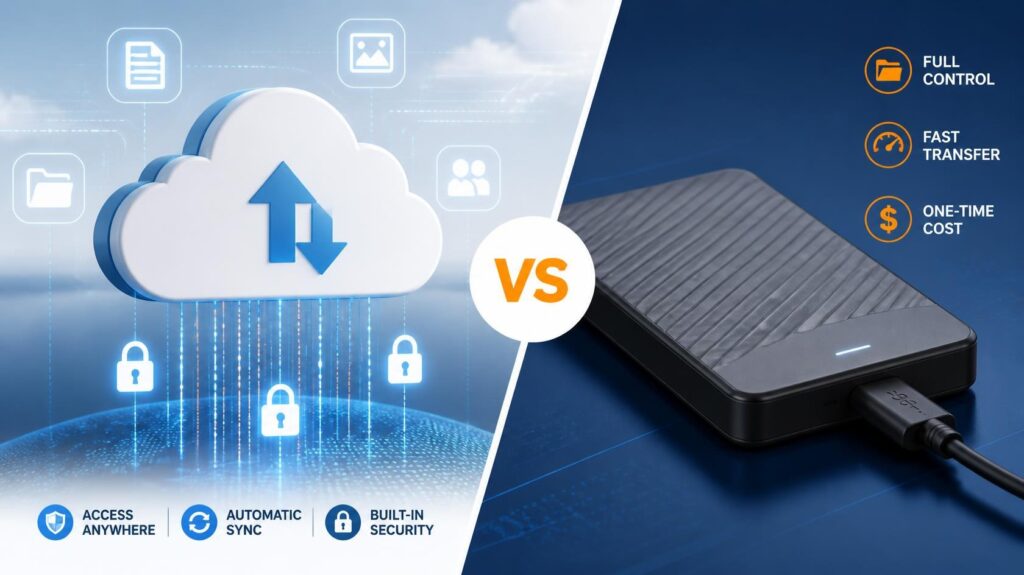
Let’s break down the ground realities of Cloud Storage vs External Hard Drive to help you choose the best storage solution for your needs.
The Cloud Storage Side: Built for the Constantly Connected User
Cloud storage platforms like Google Drive, Apple iCloud, and Microsoft OneDrive have completely changed how we handle data. Instead of saving files on your physical machine, your data is stored on secure, remote servers managed by global tech companies.
The Pros: Ultimate Convenience and Accessibility
- Access from Anywhere: Since your data lives on the internet, you can access your files from your phone, laptop, or any computer in the world just by logging into your account.
- Protection Against Device Loss: If your phone drops in water or your laptop gets stolen, your data remains 100% safe. You just log into a new device, and everything is right there.
- Auto-Backup: You don’t have to manually copy files; the cloud automatically backs up your photos and documents in the background.
The Catch: High Internet Reliance & Subscriptions
The Reality Check: Cloud storage is exclusively built for users who stay constantly connected to the internet.
If you live or travel in areas with poor network coverage, cloud storage becomes completely useless. You cannot download a critical file or view high-res photos without an active, fast internet connection. Additionally, cloud storage comes with ongoing monthly subscription fees once you cross free limits (like Google’s 15GB allowance).
The External Hard Drive Side the secure, offline warrior :
Physical storage devices—like portable HDDs or high-speed portable SSDs found in modern gaming laptops—are the traditional method of keeping your data right where you can see it
The Pros: Absolute Control and High Speed
- Perfect for Offline Use: When comparing Cloud Storage vs External Hard Drive for offline performance, physical drives win hands down. If you work with massive files (like 4K video editing), plugging in a cable gives instant access to terabytes of data with zero internet required.
- One-Time Investment: You don’t pay monthly fees. You buy a 1TB or 2TB hard drive once, and it belongs to you forever.
- Maximum Privacy: Since your drive sits physically on your desk and isn’t connected to the live web, remote hackers cannot breach your offline data.
The Catch: Physical Vulnerability
The Reality Check: Physical drives are fragile and prone to human error.
If an external hard drive falls from a table, it can suffer mechanical failure, making data recovery expensive or impossible. Moreover, if you misplace or lose the drive, there is no “Forgot Password” button to recover your memories.
Cloud Storage vs External Hard Drive Final Verdict & Strategy
Now that we have weighed Cloud Storage vs External Hard Drive, how should an ordinary user balance both? The smartest approach is not choosing one over the other, but using a hybrid storage strategy based on the sensitivity of your files.
       [ Storage Selection Strategy ]
                     │
      ┌──────────────┴──────────────┐
      ▼                             ▼
🔐 Critical & Private         🎬 Heavy Media & Games
   (Cloud Storage)          (External Hard Drive)
🔐 For Sensitive & Critical Data: Rely on Cloud Storage
If you have highly sensitive information—such as business account documents, financial records, official credentials, or critical passwords—keep them on the cloud.
A physical hard drive or USB drive can get corrupted by viruses or physically damaged. The cloud ensures your vital assets remain permanently backed up and accessible even if your main hardware breaks down.
🎬 For Heavy & Casual Files: Use an External Hard Drive
If you have large, casual media—like PC games, offline movie collections, or massive RAW video libraries—always use an external Hard Drive.
Uploading hundreds of gigabytes to the cloud wastes internet bandwidth and quickly eats up paid storage tiers. Storing heavy media offline on a physical drive remains the most budget-friendly, practical, and high-speed solution.